
TCP Port Monitoring. Any Port, Any Service.
Watch reachability for the ports that don't speak HTTP, databases, caches, message queues, and any other TCP service in your clients' stack. Uptimeify confirms the port accepts connections, and optionally that the right service is actually listening behind it.
Made and Hosted in the
European Union
GDPR-Compliant Hosting
in Germany
GEO-Redundant Replica
across the EU
Raw TCP Reachability. Every port your stack depends on.
Databases, caches, message queues, custom microservices: half of your clients' stack runs on ports that never speak HTTP and have no dedicated monitor of their own. Uptimeify opens a real TCP connection to any hostname and port you name, confirms the service accepts it, and optionally checks the banner it hands back.
- Any port, no assumptions: so you cover Redis, Postgres, MongoDB, message brokers, or a proprietary service, not just the protocols we ship a dedicated monitor for.
- Optional banner match: so you confirm the right service is actually listening, not just that something answered on the port.
- No credentials required: so you get reachability proof for services you don't want to hand login details to.
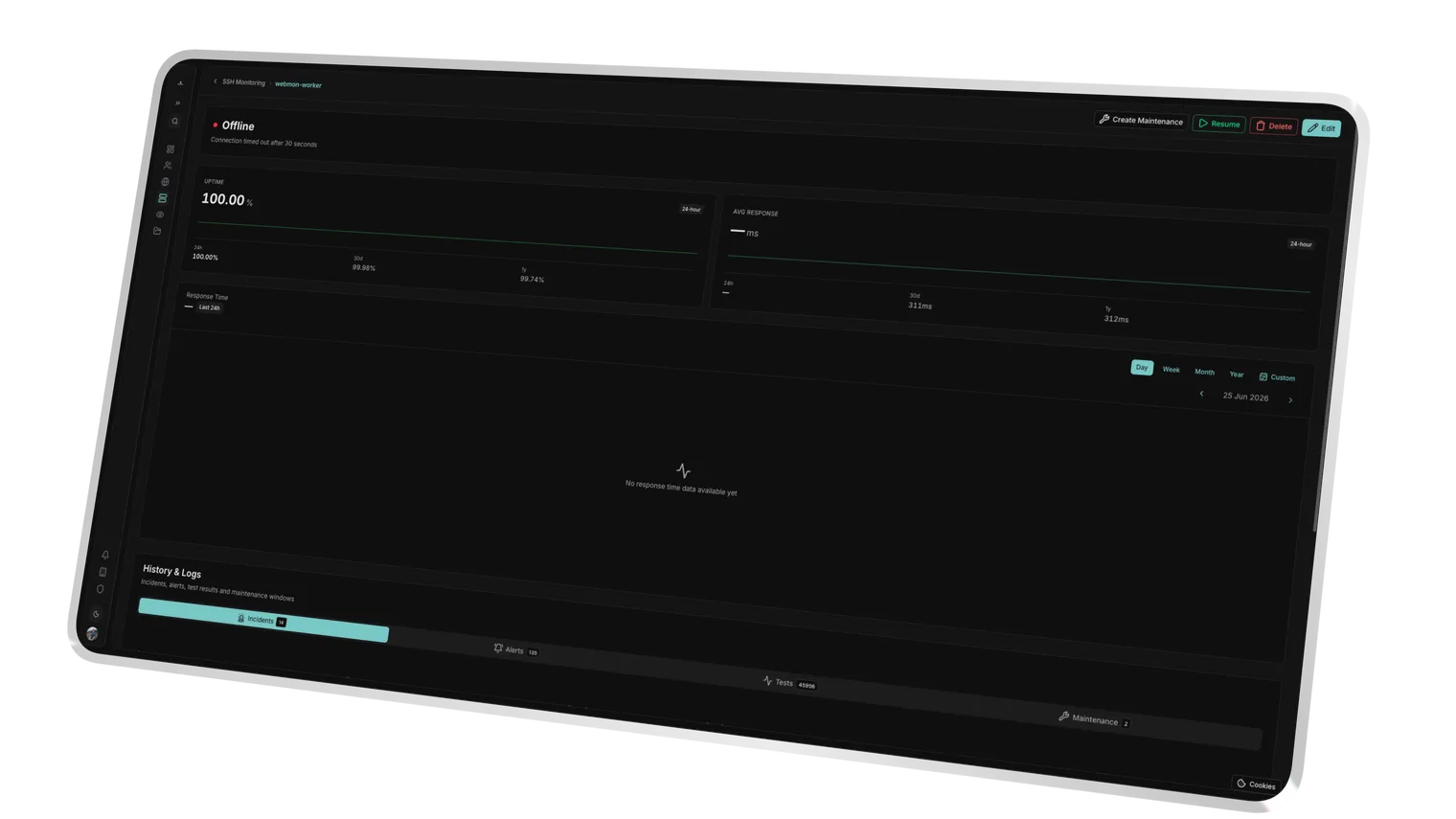
A raw TCP connection is attempted against the hostname and port you set, no protocol assumed.
An optional Expect Banner is matched against the bytes returned right after the handshake, for example +PONG or a version string.
Polled on a fixed interval across the EU network.
Port-Only Mode. Same monitor, lighter check.
Not every SSH, SMTP, FTP, or IMAP/POP monitor needs a full protocol login on day one. Onboarding a client ahead of credentials, or you simply want proof that the port is reachable without touching authentication: switch that monitor's check mode to port-only and it behaves like a TCP port check while keeping its own protocol-specific alerting and history.
- One toggle, no new monitor: so you switch check mode on existing SSH, SMTP, FTP, and IMAP/POP monitors instead of provisioning a separate TCP monitor for the same host.
- Works ahead of credentials: so you start watching reachability the day a server exists, before the client hands over logins.
- Consistent history: so switching modes later doesn't fragment your check history or incident timeline.
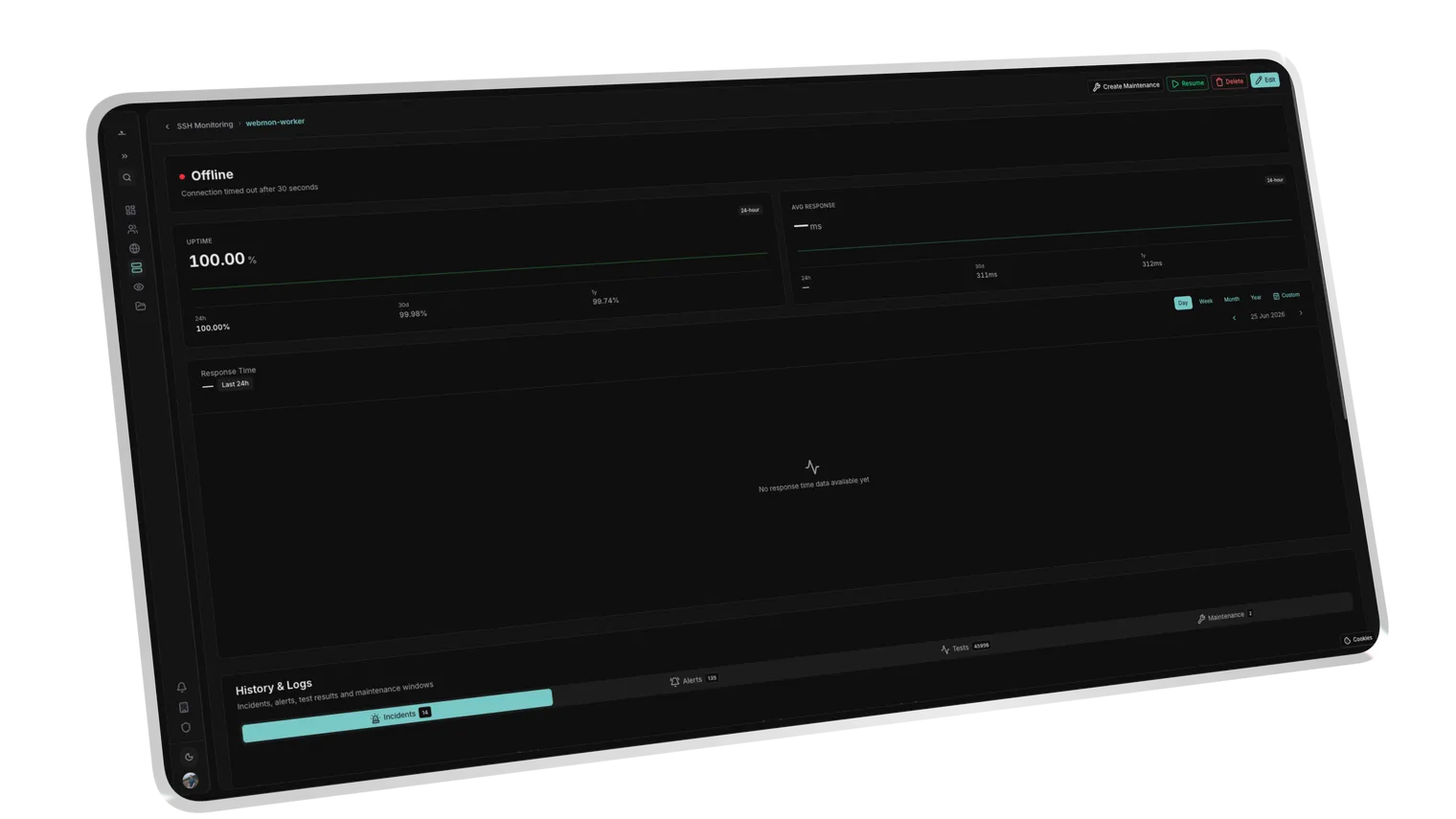
SSH, SMTP, FTP, and IMAP/POP monitors can each drop the full protocol handshake and just confirm the TCP port opens.
Handy while credentials aren't issued yet, or when you only need proof the port is open.
Switching modes keeps the same monitor, so check history and incidents stay in one timeline.
Regional Access Guard. Confirmed before it becomes a page.
A database that only accepts connections from its own VPC or an allowlisted range needs monitoring nodes inside that same allowlist, or every check becomes a false alarm waiting to happen. Uptimeify lets you pin the polling regions per monitor and reports the exact failure behind every incident.
- Allowed check countries: so your checks respect the server's IP allowlist and firewall rules instead of tripping them.
- Distributed probing: so a regional ISP failure doesn't pass for a service outage.
- Diagnostic feedback: so you see at once whether it was a timeout, a connection refusal, or a banner mismatch.
Checks run from chosen EU regions to match IP allowlists.
Distributed probes reveal when an ISP fault isolates one region.
A failure is confirmed across nodes before an incident opens.
Success Kit
We don't just monitor. We help you sell.
Every Uptimeify subscription includes access to our Success Kit, a collection of battle-tested resources to turn your monitoring into a profit center.
Service Level Agreement templates to define professional boundaries with your clients.
Find the sweet spot for your care plans. Calculate margins based on check frequency and support hours.
Powerpoint Templates that explain 24/7 monitoring to non-technical clients. Close more retainers.
Use automated reports to proactively communicate value, so clients never ask what they're paying for.
Ready to turn monitoring into a profit center?
Claim your Success Kit and start scaling today.
Frequently Asked Questions
On your check interval, Uptimeify opens a real TCP connection to the hostname and port you configure and reads whether the handshake is accepted. That works for any service, databases, caches, queues, or a custom process, without needing a dedicated monitor type or credentials.
Yes. Set an Expect Banner and Uptimeify checks that the bytes returned right after the handshake contain it, for example +PONG for Redis or a version string for your own service. If the port answers but the banner doesn't match, the check fails.
Yes. Each of those monitor types has a port-only check mode. Switch it on and the monitor drops the full protocol login and just confirms the TCP port opens, useful before credentials exist or when a login check would be overkill.
You pick the allowed check countries yourself, for example EU-only, hosted in Frankfurt, with checks from European nodes without US sub-processors. That keeps your checks aligned with your service's IP allowlist and firewall rules, and keeps the data paths inside Europe, which makes your GDPR case easier to argue in client pitches.
Before a TCP port monitor flips to "down", independent EU nodes confirm the failure against each other. You're only alerted on consensus. That filters out single routing hiccups and ISP flicker, so you never send an all-clear that's already out of date.
Ready to watch every port your clients depend on?
Set up TCP port monitoring for your entire portfolio in minutes: any port, optional banner match, and alerts that only fire once the outage is confirmed.